Where to begin
Start with notification history and notification access, then tune noisy app categories before using Kutula for a calmer view.
 Kutula
Kutula guides
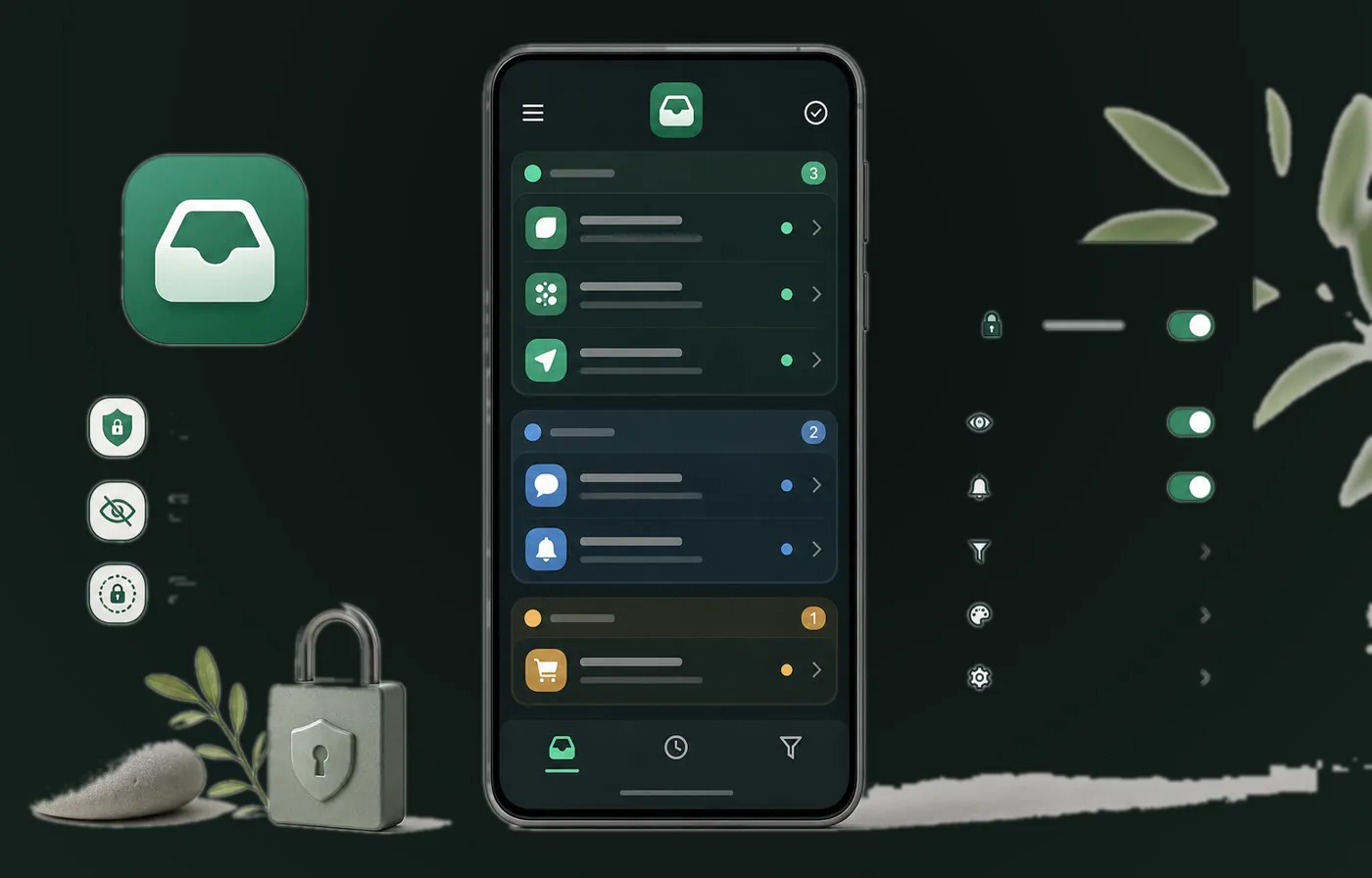
Notification settings can feel scattered across Android devices. These guides explain the practical parts clearly and show where Kutula can help organize alerts on-device.
Quick answer
Kutula does not promise OS-level blocking or guaranteed hiding. It helps organize notifications already received on your device.
Next step
Start with notification history and notification access, then tune noisy app categories before using Kutula for a calmer view.
Find out whether Android notification history is available and enabled.
Understand what notification access allows an app to see.
Turn down low-value categories in the source apps.
No. Kutula organizes notifications on-device; it does not claim to block notifications at the operating-system level.
Kutula organizes notifications on your device. Notification content is not sent to our servers. Privacy approach
