Tune before you organize
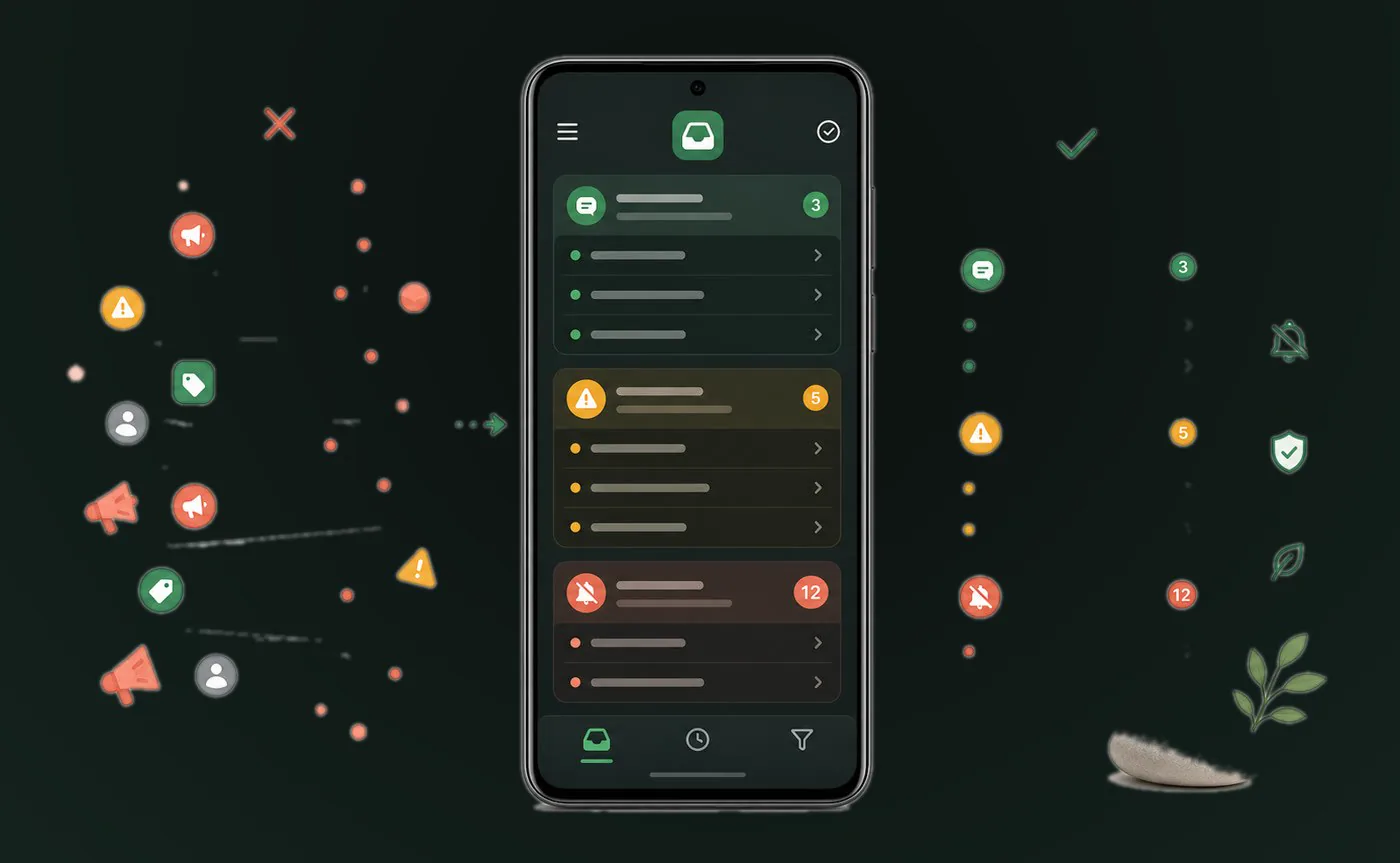
Kutula helps with organization, not guaranteed blocking. Better results come from combining Android category settings with a clearer notification view.
 Kutula
Notification cleanup
Not every notification deserves the same attention. The best first step is to tune notification categories inside the apps that send the noise.
Quick answer
Disable low-value categories in source apps, then use Kutula to keep the remaining notifications easier to scan.
Notification cleanup
Practical steps for reducing repeated, low-value notifications without overpromising system-level blocking.
Next step
Kutula helps with organization, not guaranteed blocking. Better results come from combining Android category settings with a clearer notification view.
Notice which apps interrupt you most often.
Disable promotional or low-value notification categories.
Use Kutula to follow important notifications in a calmer feed.
No. Most spam reduction requires reviewing app notification categories one by one.
Kutula organizes notifications on your device. Notification content is not sent to our servers. Privacy approach
