Local AI
Advanced ML models run directly on your device, so notification-content analysis stays on-device instead of being sent to Kutula-owned servers.
 Kutula
Local-first Android notification manager
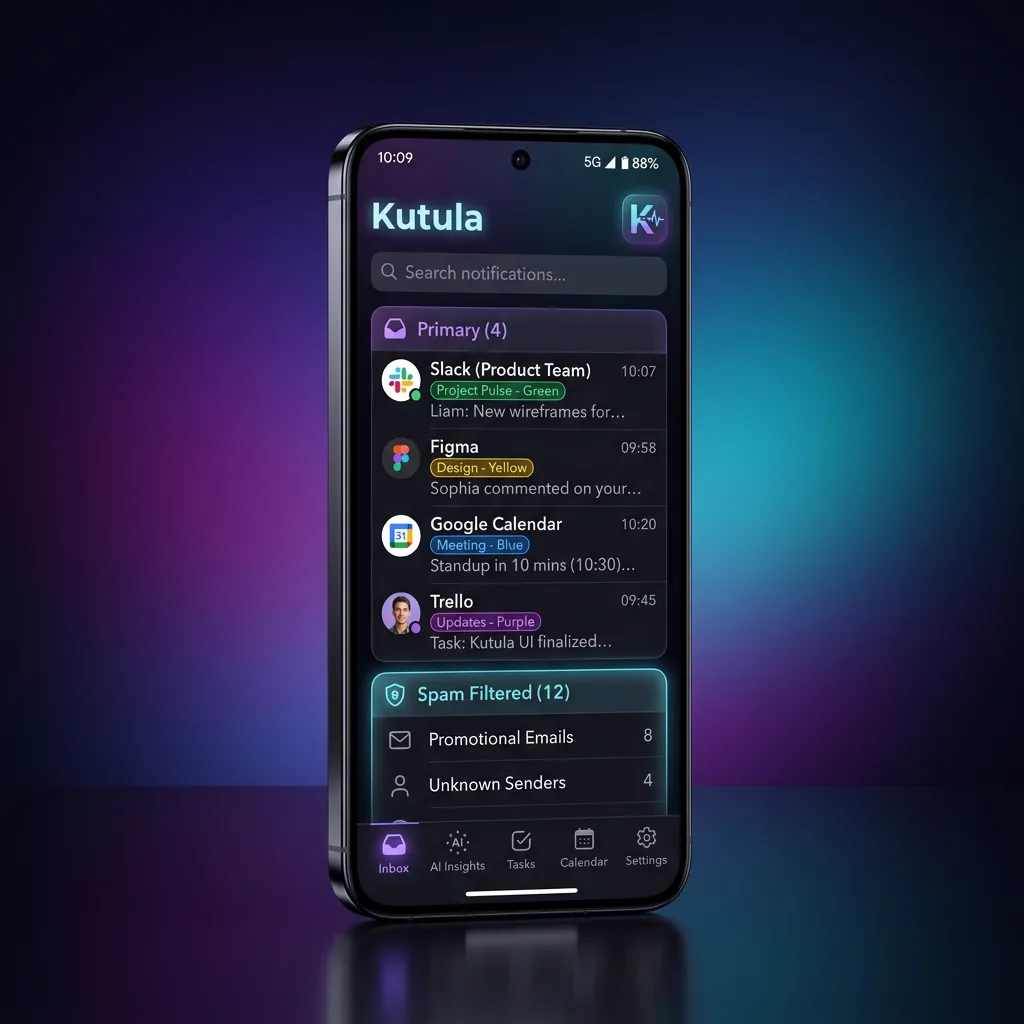
Put an end to notification clutter. Focus on what matters with Kutula, and let the smart inbox handle the rest.
After you grant access, Kutula keeps new Android notifications in a private history on your device; it cannot recover notifications from before access was granted. Search and organization stay on-device, and Kutula keeps notification content there. Google may process content-free usage and advertising measurement signals at the level of detail allowed by the runtime privacy state. While the relevant analytics or advertising storage state is denied or unresolved, only reduced signals without the corresponding analytics or advertising app identifiers are sent; full measurement is used only when the privacy state permits it.
Guides
Read simple steps for Android notification history, notification access, and spam reduction.
Android notification organizer
Say goodbye to notifications that steal your time.
Advanced ML models run directly on your device, so notification-content analysis stays on-device instead of being sent to Kutula-owned servers.
Similar notifications are grouped automatically under a single smart header. Your screen always stays clean.
Your notifications belong to you alone. Secure your inbox completely against unauthorized access with strong password protection.
Focus lenses
Different times call for different notifications. Never get exposed to anything unnecessary with custom lenses.
Inbox, Spam Lens, Silent Lens, Digest
Install path
Use Kutula as a cleaner reading layer for Android notifications. The site link is tagged so organic downloads can be measured in Play Console.

FAQ
No. Since Kutula runs local machine learning models in an optimized way, battery consumption is minimal.
Your notifications are never sent to the cloud (internet). All AI analysis and filtering processes happen entirely on-device.
You can continue to use all core features of Kutula, such as smart grouping, spam detection, and lenses. The Premium version simply removes ads.