The expected alert is absent.
Confirm history was enabled beforehand and check whether a work profile or device policy limits retention.
 Kutula
Notification history
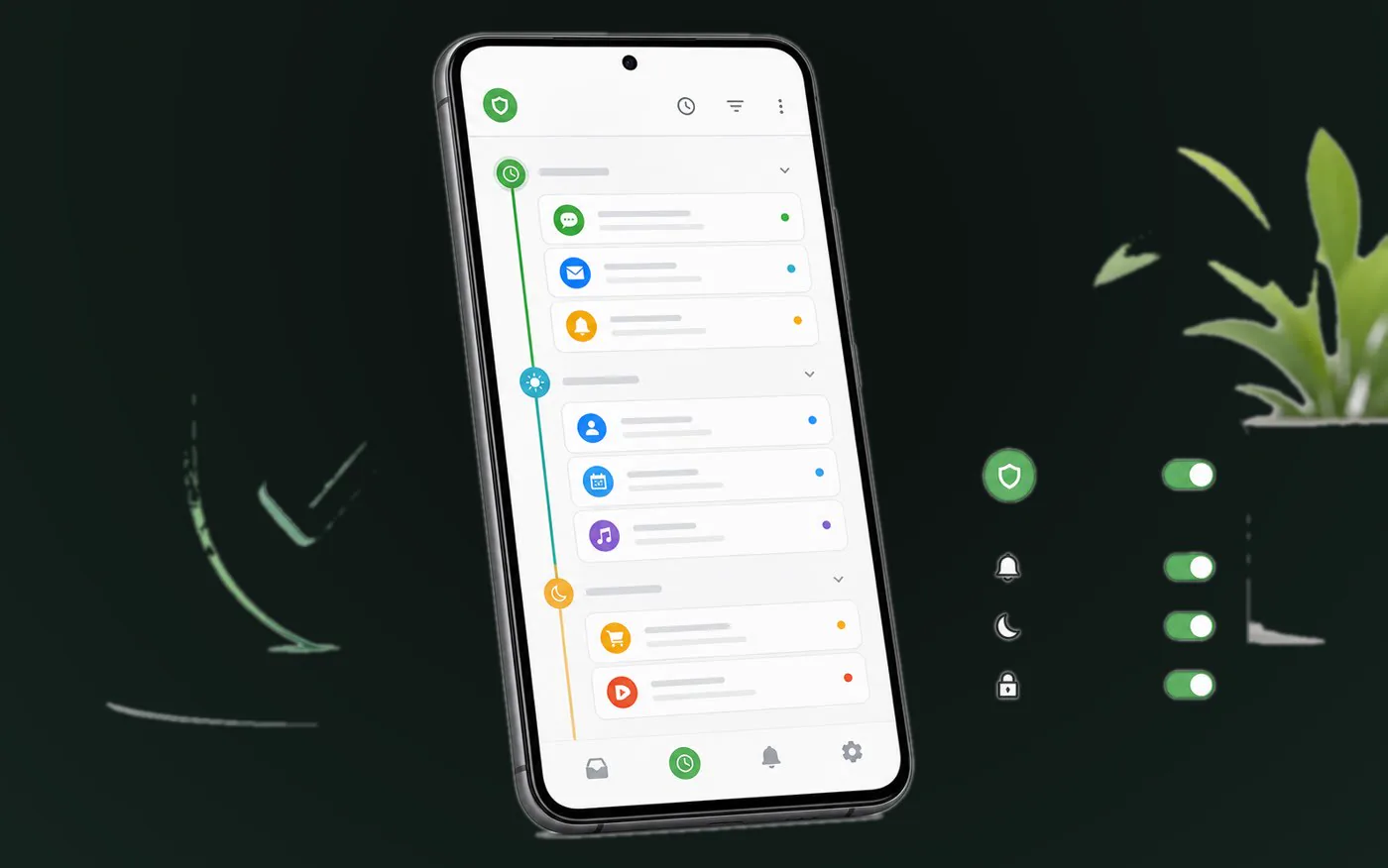
Android notification history helps you revisit alerts you may have missed, including OTP codes, delivery updates, banking alerts, and messages. The exact menu can vary on Pixel, Samsung, Xiaomi, and other devices, but the purpose is the same.
Quick answer
Look under Settings > Notifications for Notification history. On Pixel, search Settings for notification history if you do not see it immediately.
Android notification history can show alerts dismissed after the feature was enabled. It is a recent activity aid, not a permanent archive or a backup.
Use the system list to identify an app or channel before muting anything.
Confirm history was enabled beforehand and check whether a work profile or device policy limits retention.
Compare their timestamps and channel labels before changing any notification control.
Kutula may help organize alerts it can observe after you grant permission to read them; it cannot reconstruct deleted system history or promise long-term retention.
It may reopen related app information, but it does not recreate every action, attachment, or transient content item.
Notification history
Find Android notification history on Pixel and other phones, understand notification access, and keep missed alerts easier to revisit with Kutula.
Next step
Android history is a raw timeline. Kutula focuses on organizing incoming notifications into a more readable on-device view, so you can scan by app and context instead of scrolling through one long list.
Use notification history after dismissing an alert too quickly, missing a short code, or trying to find a delivery or payment notification that disappeared from the shade.
Go to the Notifications area of your phone settings.
Look for Notification history, Advanced settings, or a similar label. Pixel users can search Settings for notification history.
If it is off, turn it on for future notifications.
Use Kutula for a clearer inbox of new notifications you may need to revisit later.
Usually no. Most Android devices start recording after you enable the feature.
On many Pixel phones, try Settings > Notifications > Notification history. If the label changed, search Settings for notification history.
Kutula organizes notifications on your device. Notification content is not sent to our servers. Privacy approach
