Privacy signal
Notification content can be sensitive, so the app should explain where processing happens.
 Kutula
Comparison
A good notification manager does not promise magic blocking. It makes notifications easier to understand and explains permission boundaries.
Quick answer
Choose apps with clear privacy wording, a trusted Google Play path, and claims that respect Android limits.
Comparison
What to check when choosing an Android notification manager for privacy, organization, and realistic claims.
Next step
Notification content can be sensitive, so the app should explain where processing happens.
You may want history, less noise, or better organization. Those are different needs.
| Comparison | Privacy signal | Use-case signal |
|---|---|---|
| Check the basics before granting notification access | More checked items means a better-informed decision. If important items are missing, read the app's privacy explanation again. | Reduce spam categories in source apps; follow important alerts in an organizer such as Kutula. |
| Organizing notifications is not the same as blocking them | The app should explain why it needs notification access and how notification content is handled. | Promotions, repeated game reminders, and unwanted marketing are better handled in source app settings. |
| Permission check / Intent comparison | You should know how to revoke access and how to hide sensitive notifications in source apps. | For notifications you do not want to mute entirely, a cleaner reading layer is more useful. |
Are you looking for history, organization, spam reduction, or permission help?
Check whether hard blocking or hiding promises explain Android limits.
Test with a few apps and review notification access regularly.
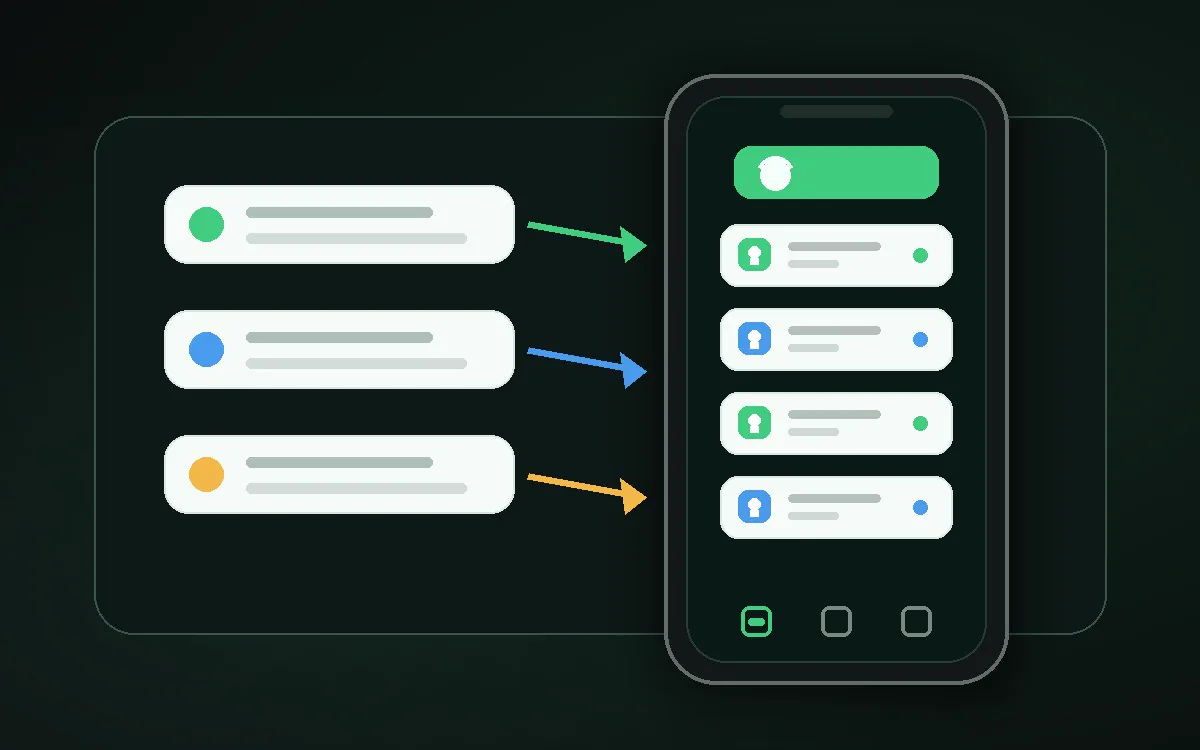
Kutula is a local-first Android notification inbox that organizes notifications on-device.
Kutula organizes notifications on your device. Notification content is not sent to our servers. Privacy approach
