Why this order works
If you do not reduce low-value alerts first, every inbox still feels crowded.
 Kutula
Practical guide
Notification order is not built with one switch. Reduce the noisiest sources first, then make the remaining flow easier to scan.
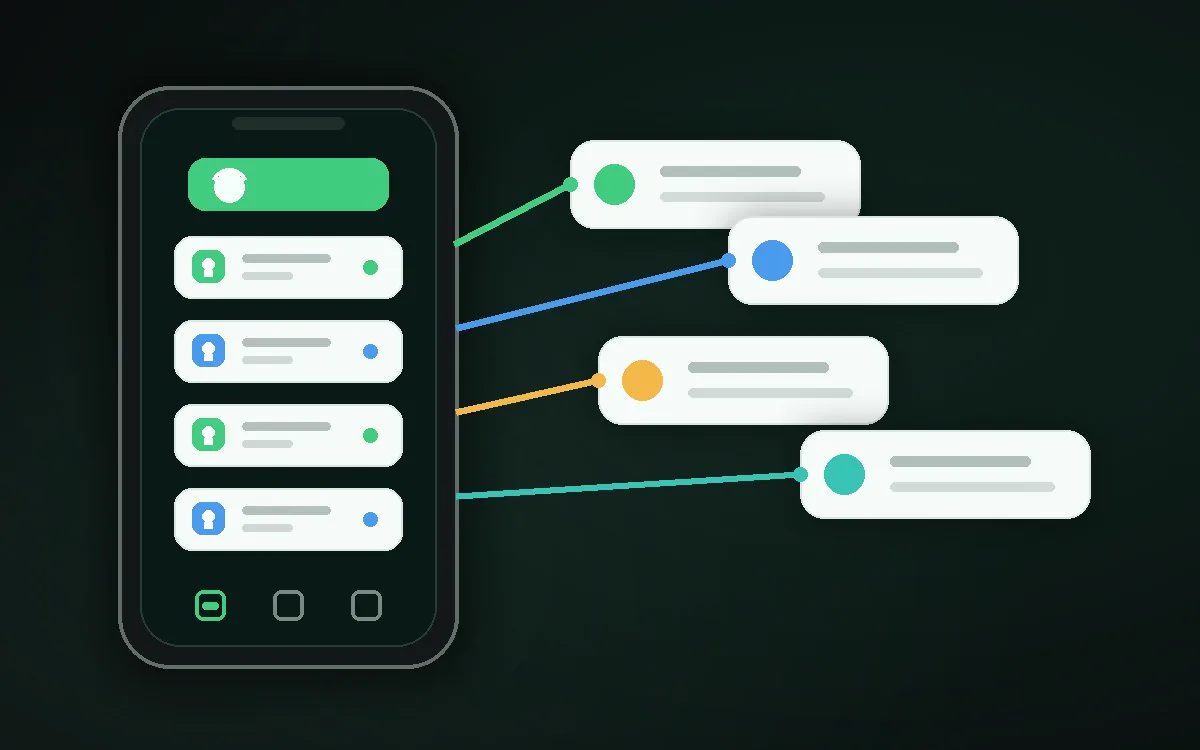
Quick answer
Find the noise, tune source categories, then organize important notifications with Kutula.
Practical guide
A practical order for making Android notifications calmer and easier to read.
Next step
If you do not reduce low-value alerts first, every inbox still feels crowded.
For apps that need notification access, read the data handling approach before granting permission.
| Practical guide | Why this order works | Privacy line |
|---|---|---|
| Make spam notifications less exhausting | Disable low-value categories in source apps, then use Kutula to keep the remaining notifications easier to scan. | Choose apps with clear privacy wording, a trusted Google Play path, and claims that respect Android limits. |
| What to look for in a notification manager app | Kutula helps with organization, not guaranteed blocking. Better results come from combining Android category settings with a clearer notification view. | Notification content can be sensitive, so the app should explain where processing happens. |
| Notification cleanup / Comparison | No. Most spam reduction requires reviewing app notification categories one by one. | You may want history, less noise, or better organization. Those are different needs. |
Watch which apps ask for attention during one day.
Turn down marketing and repeated reminders.
Use Kutula to follow important notifications in a calmer inbox.
It is easy short term, but it raises the risk of missing important alerts.
Kutula organizes notifications on your device. Notification content is not sent to our servers. Privacy approach
