Several apps use nearly identical icons.
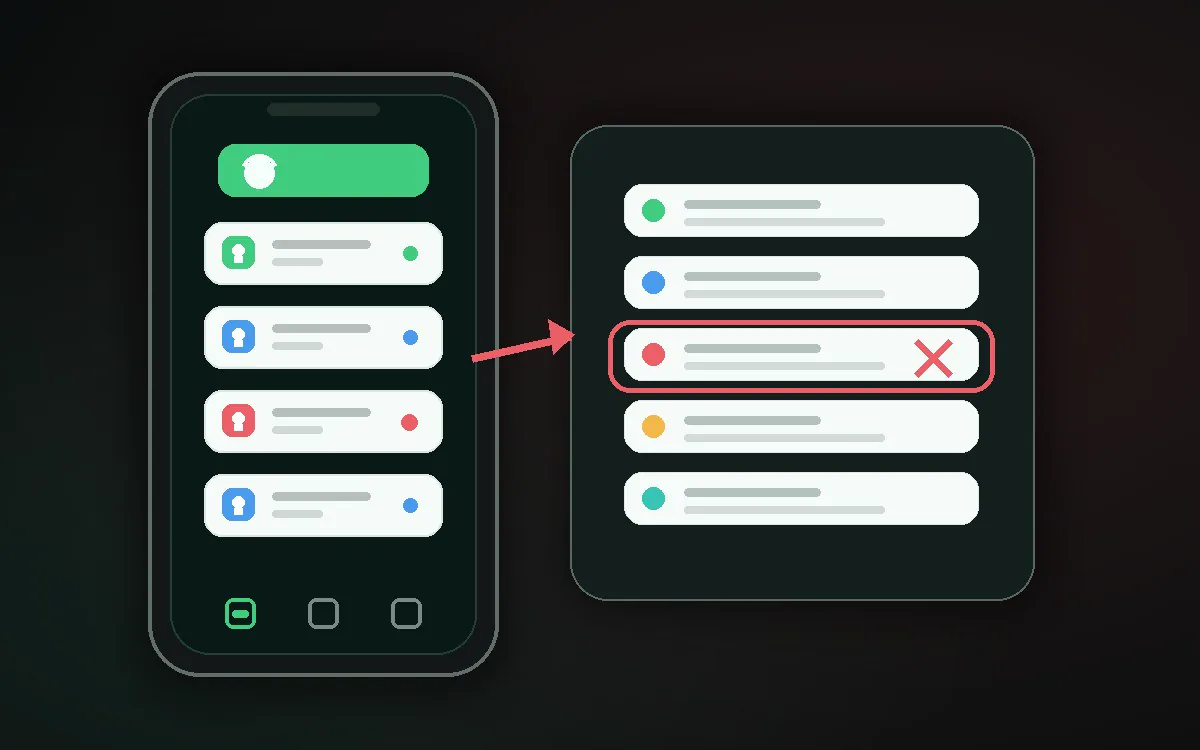
Compare the app-info screen, channel label, and delivery time rather than relying on the icon alone.
 Kutula
Noise tool
Notifications that feel like spam can come from promotions, social updates, game rewards, news, or system alerts.
Quick answer
Choose the source and see the first setting to check.
Long-press the unwanted alert to reveal its app and notification channel. If it vanished, use Android's notification history, then disable only the confirmed low-value channel.
A coupon alert disappears before you can identify it, while order updates from the same app must remain available.
Compare the app-info screen, channel label, and delivery time rather than relying on the icon alone.
Enable notification history for future events and avoid uninstalling or broadly muting apps until the source is confirmed.
Kutula can classify visible alert details after permission is granted; it cannot prove malicious intent, uninstall apps, or alter channels automatically.
Not necessarily. A separate marketing channel can often be disabled while transaction and security alerts remain enabled.
Noise tool
Identify the likely source of repetitive notifications and choose the right settings path.
Next step
Different notification types are controlled in different places. Finding the source helps avoid muting important alerts.
Pick the source that feels closest.
Check its notification categories first.
Once noisy categories are reduced, Kutula can make the remaining inbox easier to scan.
Choose a source and the first suggested check will appear here.
No. This tool helps you find the right setting; Android and the source app control the final choice.
Kutula organizes notifications on your device. Notification content is not sent to our servers. Privacy approach
