Kutula's approach
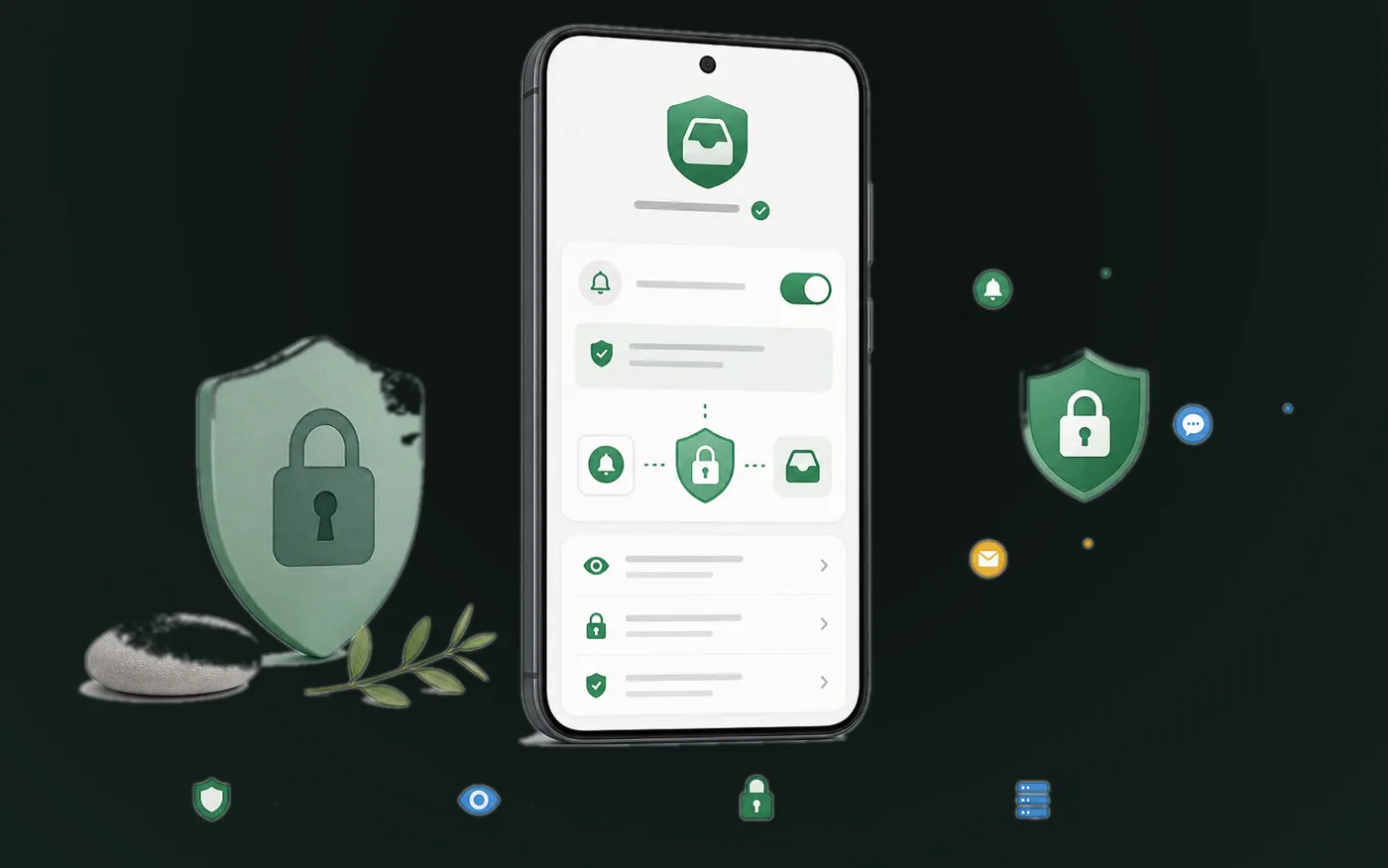
Kutula uses notification access to organize notifications on your device into a clearer inbox. You can revoke the permission from Android settings at any time.
 Kutula
Privacy and permissions
Notification access is a powerful Android permission. It can let an app read notification text, titles, source apps, and sometimes sensitive one-time codes or banking alerts if they appear in notifications.
Quick answer
Grant notification access only to apps you trust, whose purpose is clear, and whose permission can be revoked from Android settings.
Privacy and permissions
A clear explanation of Android notification access, what the permission can expose, and how to decide whether an app should have it.
Next step
Kutula uses notification access to organize notifications on your device into a clearer inbox. You can revoke the permission from Android settings at any time.
If an app sends private text in notifications, adjust that source app's notification previews. This is especially useful for banking, messaging, and two-factor authentication apps.
Ask why the app needs notification access.
Look for clear wording about how notification content is handled.
Remove access from apps you no longer use.
Hide sensitive notification previews in the source apps when possible.
Yes, if sensitive text appears in a notification. Hide sensitive notifications at the source app when needed.
Yes. Search Android settings for notification access or special app access, then disable the app you no longer want to allow.
Kutula organizes notifications on your device. Notification content is not sent to our servers. Privacy approach
