Organization still leaves too much noise.
Disable the single low-value channel in Android settings instead of broadly blocking the app.
 Kutula
Intent comparison
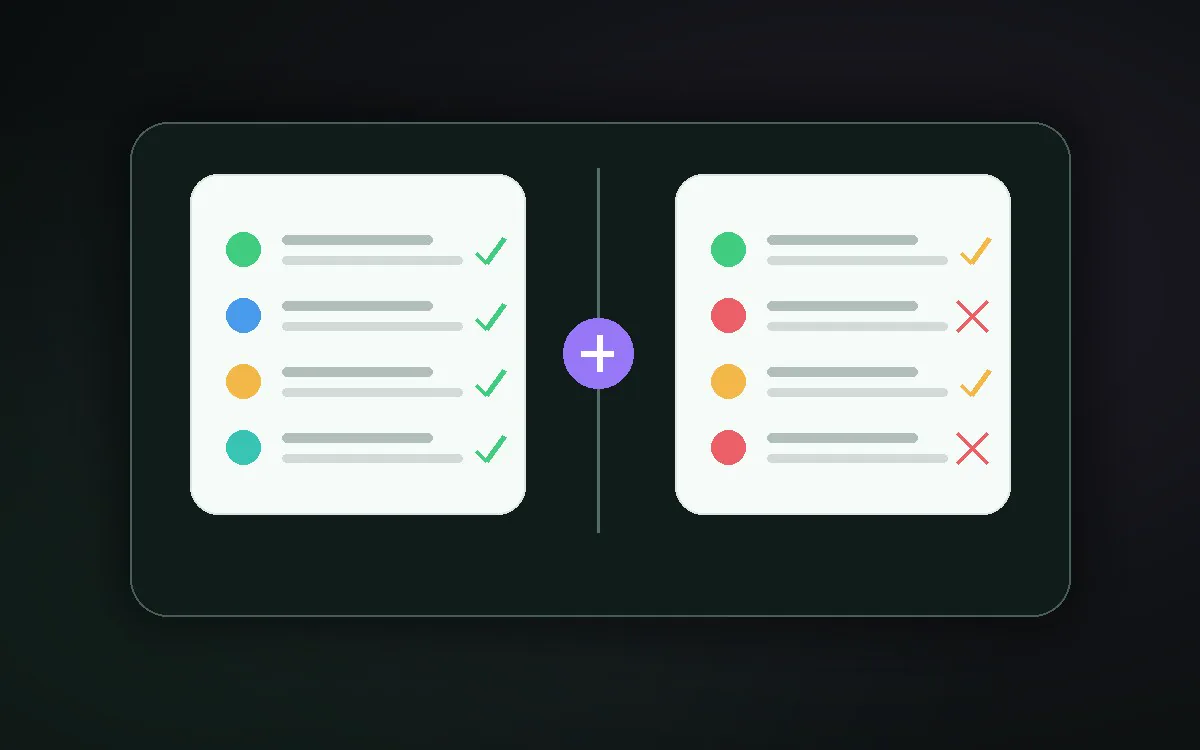
Blocking tries to reduce what arrives. Organizing makes received notifications easier to read. They solve different problems.
Quick answer
Reduce spam categories in source apps; follow important alerts in an organizer such as Kutula.
Use an organizer when useful alerts are buried in clutter; use a blocker when a known category has no value. The deciding criteria are reversibility, visibility, and how much context you need.
Busy users who still need delivery updates benefit from organization, while users facing a clearly unwanted promotion may prefer category blocking.
Disable the single low-value channel in Android settings instead of broadly blocking the app.
Restore that channel and use grouping or a quieter presentation for the remaining clutter.
Kutula can help classify visible alerts after you grant permission to read them, but it cannot promise delivery or override Android and app channel controls.
Organization is easier to reverse and preserves context; blocking is firmer but carries a greater risk of hiding a useful alert.
Intent comparison
Understand the difference between organizing notifications and blocking them on Android.
Next step
Promotions, repeated game reminders, and unwanted marketing are better handled in source app settings.
For notifications you do not want to mute entirely, a cleaner reading layer is more useful.
| Intent comparison | When blocking helps | When organizing helps |
|---|---|---|
| Best fit | Mixed alerts that still contain useful information | A known channel that provides no useful information |
| Main trade-off | Requires periodic review of groups and priorities | May hide a future message from the disabled channel |
| Reversal | Change the grouping or priority without disabling delivery | Re-enable the channel in Android notification settings |
Turn off low-value categories in app settings.
Do not fully silence messages, work alerts, or account warnings you need.
Use Kutula to read remaining notifications in a calmer on-device inbox.
Usually no. Best results combine source settings with a good organization layer.
Kutula organizes notifications on your device. Notification content is not sent to our servers. Privacy approach
