Using it with Kutula
Samsung's history screen helps you revisit missed alerts. Kutula helps organize incoming notifications on-device.
 Kutula
Samsung guide
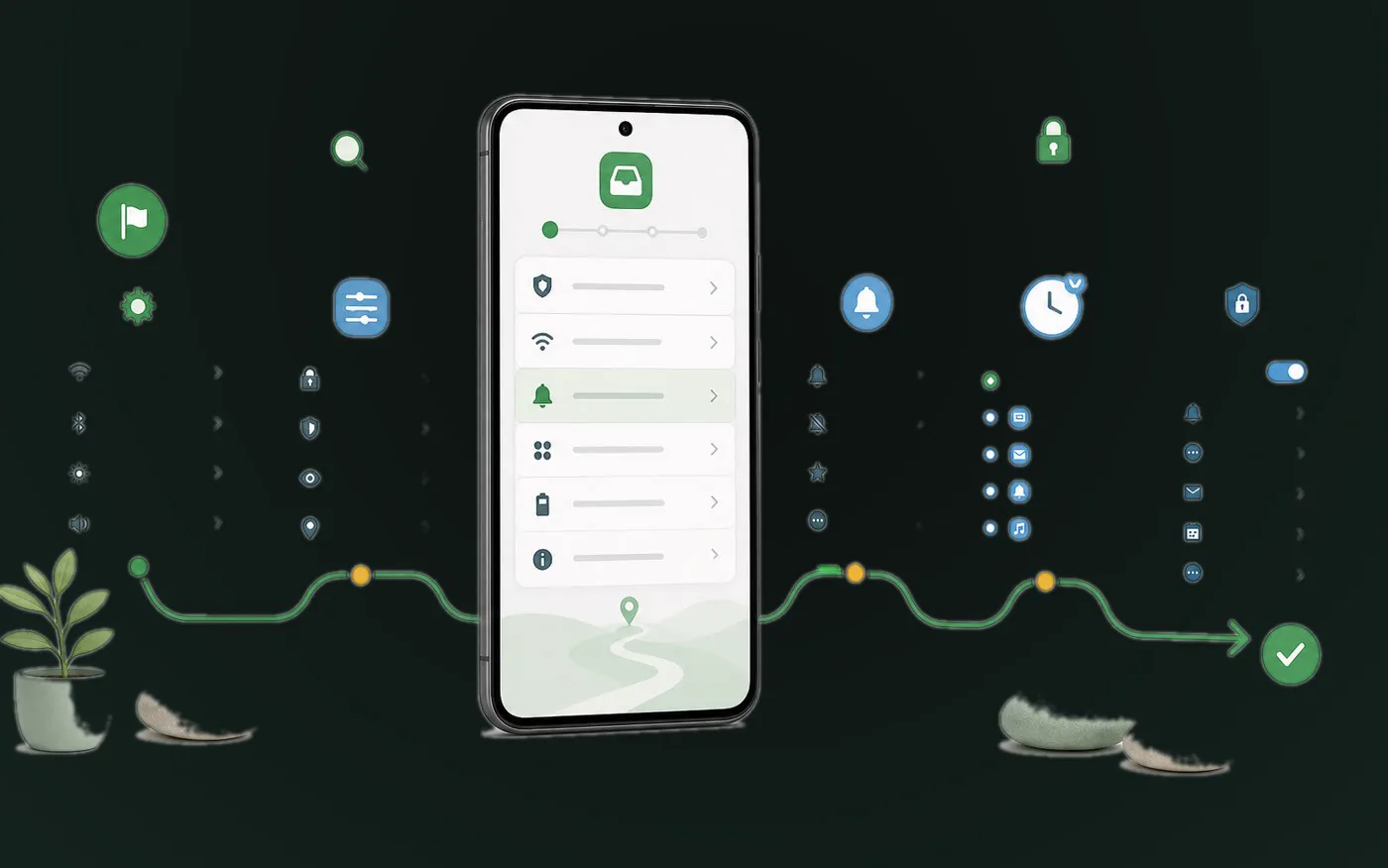
Samsung One UI usually places notification history under Notifications and Advanced settings, though labels can vary by version.
Quick answer
On many recent Galaxy phones, open Settings > Notifications > Advanced settings > Notification history; labels can vary by One UI version, and system history must already be enabled. Kutula records only new notifications after you grant access and keeps their content on-device. Google may process content-free usage and advertising measurement signals at the level of detail allowed by the runtime privacy state. While the relevant analytics or advertising storage state is denied or unresolved, only reduced signals without the corresponding analytics or advertising app identifiers are sent.

Next step
Samsung's history screen helps you revisit missed alerts. Kutula helps organize incoming notifications on-device.
Go to Notifications on your Samsung device.
Notification history is often placed there.
Use Settings search for Notification history.
Device model, region, or Android version can change available menus.
Kutula organizes notifications on your device. Notification content is not sent to our servers. Privacy approach