What to watch
Battery saving and background settings can affect notification delivery. Kutula organizes notifications but cannot guarantee system delivery behavior.
 Kutula
Xiaomi guide
Xiaomi devices may place notification controls under different labels than stock Android. App notifications and notification access can be separate.
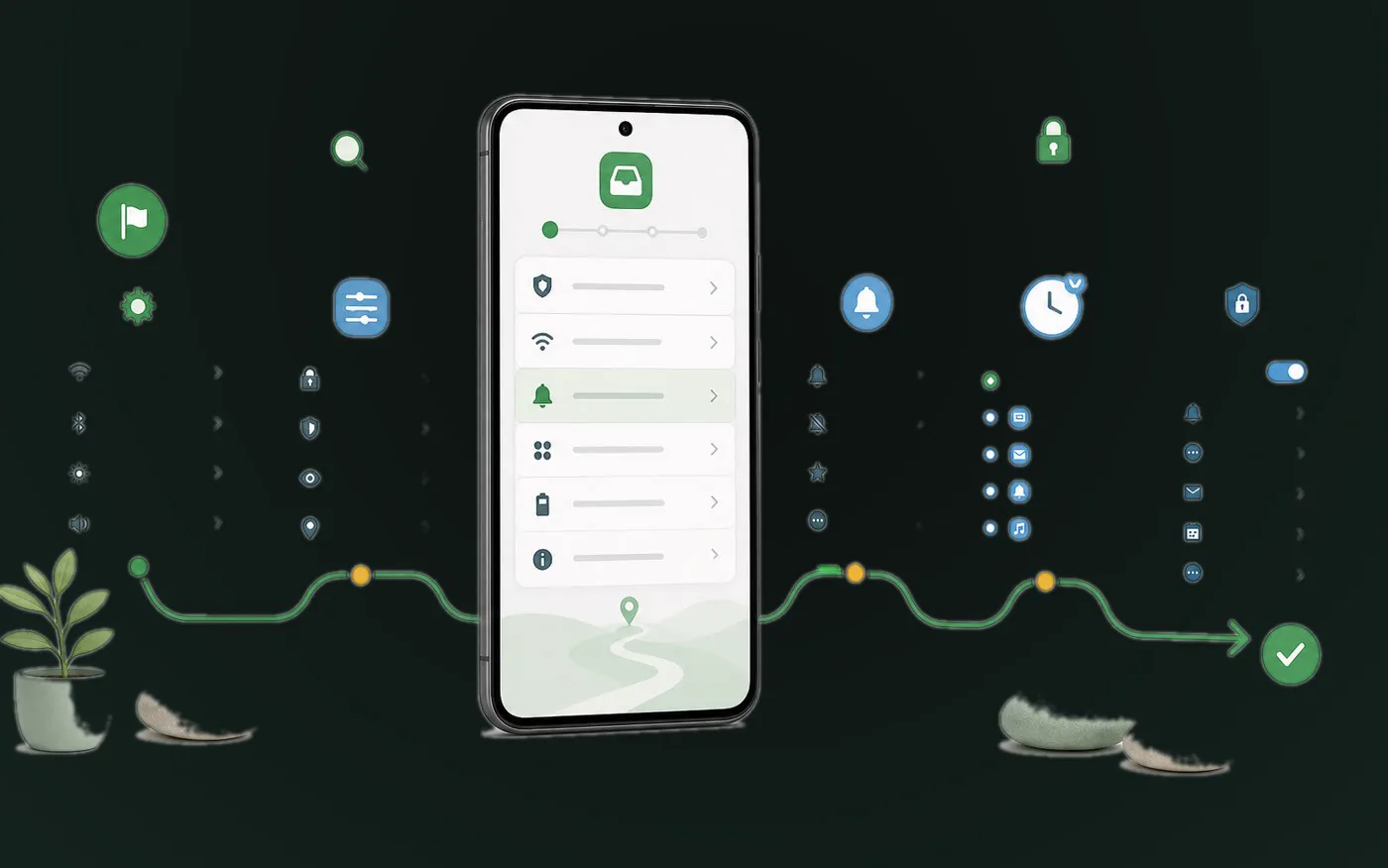
Quick answer
Search Settings for Notifications and Control center, App notifications, or Notification access.
Next step
Battery saving and background settings can affect notification delivery. Kutula organizes notifications but cannot guarantee system delivery behavior.
Find Notifications and Control center in Settings.
Turn off low-value categories in the source app.
Enable notification access for Kutula only if you choose to use it.
Kutula cannot guarantee delivery timing. Check battery and background activity settings too.
Kutula organizes notifications on your device. Notification content is not sent to our servers. Privacy approach
